
Installation Guide
Prerequisites, install, first-run wizard, connecting to Google Workspace, and what to hand your security team. PDF, about 200 KB.
Every screen in ORINEX Workspace is documented, and the documentation ships inside the product — so it always matches the build your district is actually running. The installation guide is public. Read it before you talk to us.
Most vendors put the technical detail behind a demo request. Ours is a link. Your systems team can size the work, check it against your environment, and decide whether ORINEX fits — before anyone books a call.
Prerequisites, install, first-run wizard, connecting to Google Workspace, and what to hand your security team. PDF, about 200 KB.
The complete reference for every module, screen and bulk operation. It ships with the product and is installed alongside it, so the copy your team reads is the copy that matches their build.
Not a wiki someone abandoned. Every module in the product has a page, and every page is written for the person doing the task — not for the person who wrote the code.
From a clean Windows machine to a working install: system requirements, installation, GAM setup and authorization, the first-run wizard, and a quick-start for the impatient.
Users, groups, organizational units, Chrome OS and mobile devices, Gmail, Drive and file management, drive transfers, calendars and resources, licenses, storage, reports, bulk CSV operations, the offboarding wizard, and cleanup tools.
Activity log, backup and recovery, email alert configuration, performance tuning, security best practices, subscription and licensing, updating, and admin account management.
Common errors and their fixes, connection troubleshooting, diagnostics and support bundles, GAM permissions and authorization, a plain-language FAQ, and the API reference.
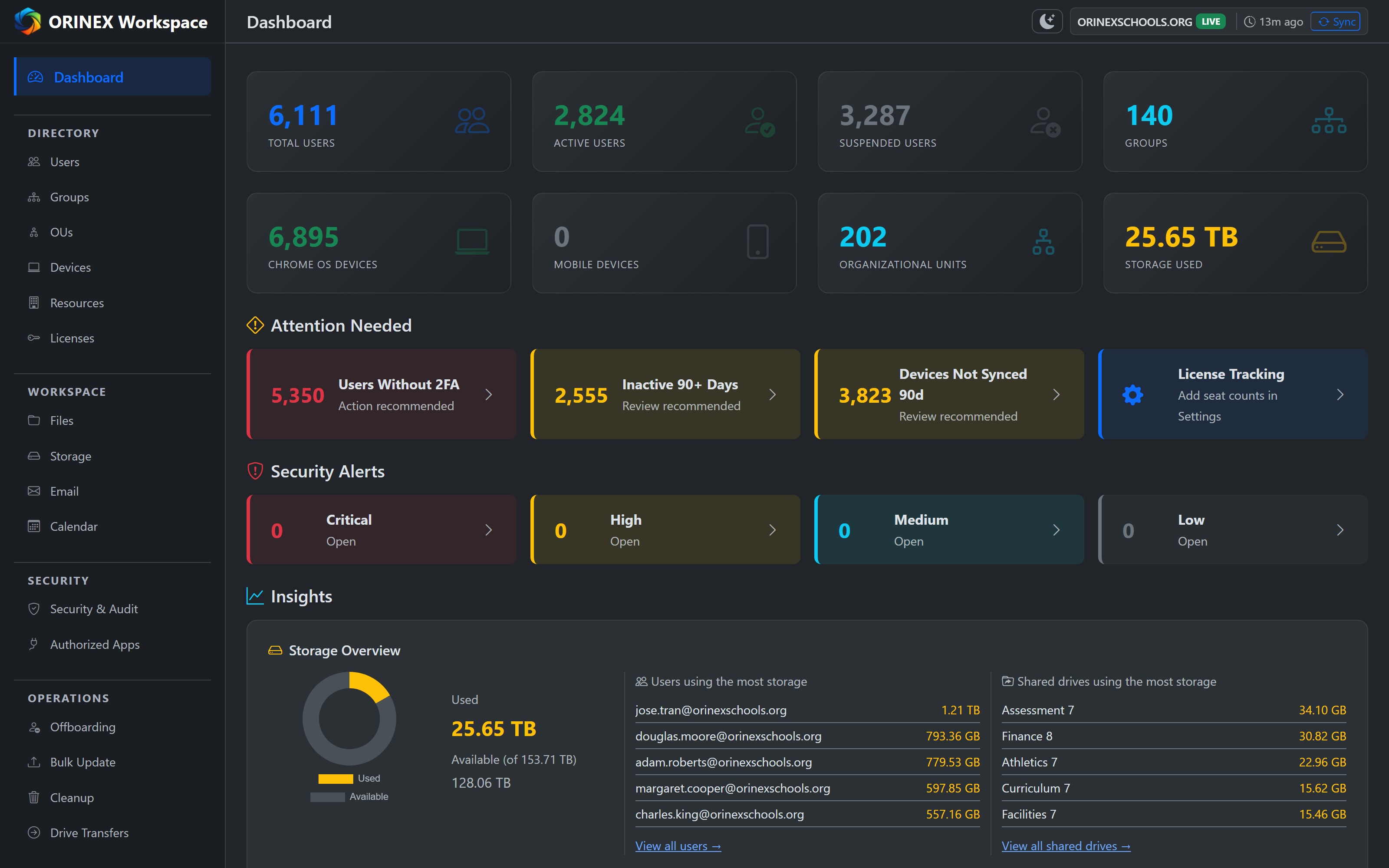
Hosted documentation drifts. A page describes a button that moved two releases ago, and the person following it loses an afternoon. ORINEX avoids that by shipping the help center inside the product: it is installed with the build, updated with the build, and reachable from any screen.
ORINEX is built and supported by people who have run district IT. When the documentation does not cover what you are looking at, you reach someone who knows the product and understands why you are asking — and the first reply is an answer, not a link back to this page.
A 30-day evaluation on your infrastructure. The documentation comes with it.